
We’ve introduced several visual enhancements to folders and icons across the platform, making it easier to organize content and understand your folder structure at a glance.
What’s New
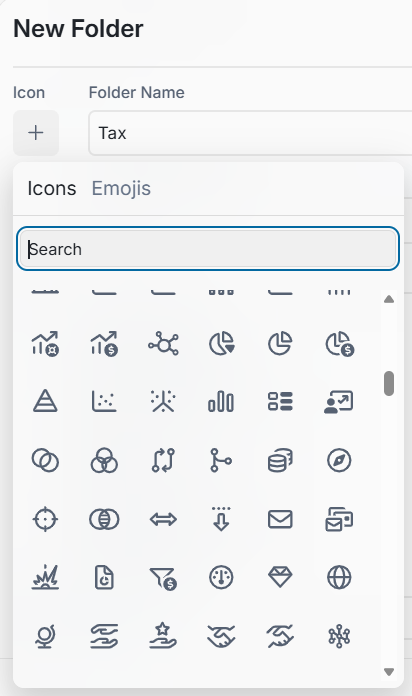
More Folder Icons to Choose From
We’ve expanded the selection of folder icons, giving you more options to visually represent different types of content.
When creating or configuring folders, you can select an icon that best represents the purpose of the folder, making different areas easier to recognize.
Folder Icons Now Inherit from the Parent Folder
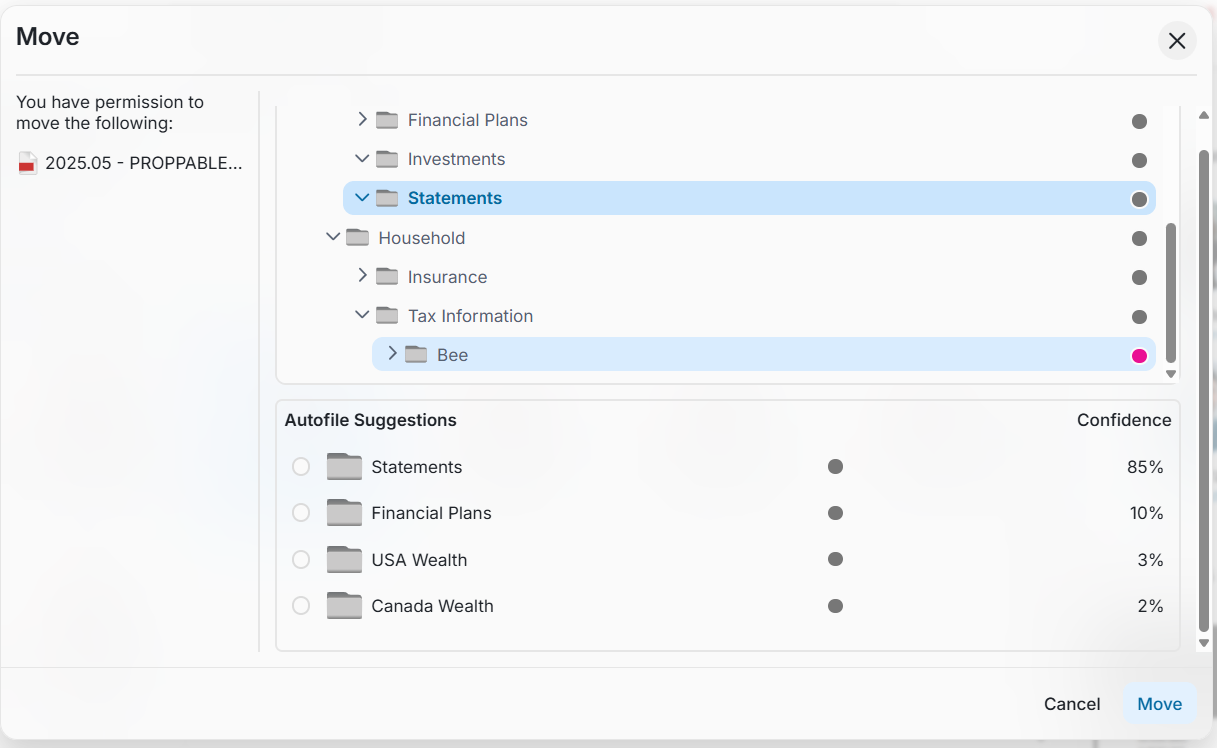
Folder structures are now more visually consistent.
When a new subfolder is created and no specific icon is selected, the subfolder will automatically inherit the icon of its parent folder.
If a different icon is selected for the subfolder, the selected icon will be displayed instead.
Improved Folder & Icons Alignment
We’ve updated folder alignment and spacing throughout the platform.
Previously, some folders could appear incorrectly indented, giving the impression that they were nested inside another folder when they were not. This has been corrected so the visual hierarchy more accurately represents the actual folder structure.
New Bilingual Folder Names*
For organizations supporting both English and French, a new feature is now available that allows users to enter both an English and French name when manually creating a folder.
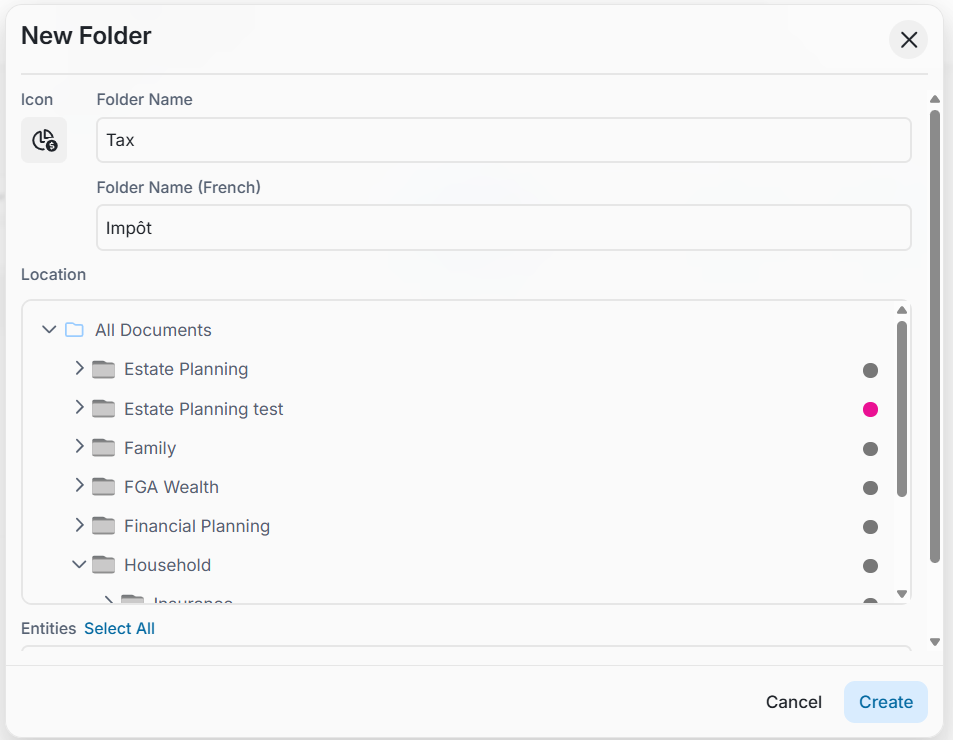
Once both names are configured, the folder name displayed will automatically correspond to the user's selected platform language:
- When using the platform in English, the English folder name is displayed.
- When switching to French, the French folder name is displayed.
* This feature is controlled through a feature flag and must be enabled for your vault provider.
Interested in enabling bilingual folder names? Contact your Customer Success team for more information.
Why This Matters
These improvements make folder structures easier to scan, understand, and navigate while providing greater flexibility for organizations supporting bilingual users.
Consistent icon inheritance, improved alignment, and language-specific folder names help create a cleaner and more intuitive experience across different folder structures.