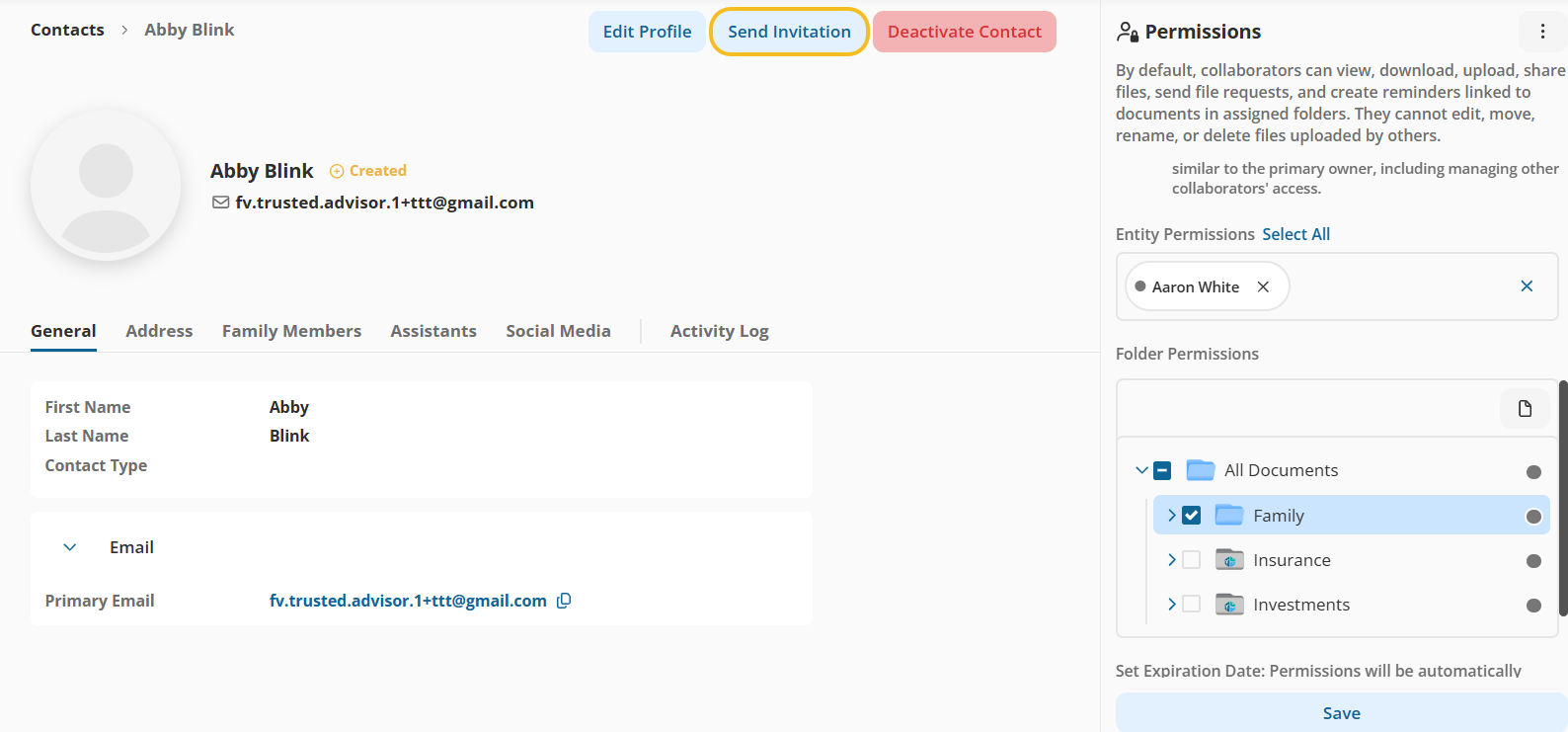
We’ve introduced a dedicated Send Invitation action for collaborator accounts. Administrators can now send or resend invitation emails directly from the collaborator record — eliminating the need for permission-based workarounds.
Why This Matters (Benefits)
Eliminates the need for dummy permission edits to trigger invitations
Improves onboarding workflow clarity
Provides clear visibility into collaborator status
Enables faster re-invitation when needed
Enhances governance and auditability of access actions
What Problem It Solves
Previously:
If a user skipped sending the invitation during collaborator setup, there was no explicit way to send it later.
The only workaround was to click Save again in the permissions section — even without making changes — to trigger the invitation email. This behaviour was unintuitive and not easily discoverable.
Now:
A clearly visible Send Invitation button lets users send or resend invitation emails directly — without changing permissions.
How It Works
1️⃣ Contact List – Actions Menu
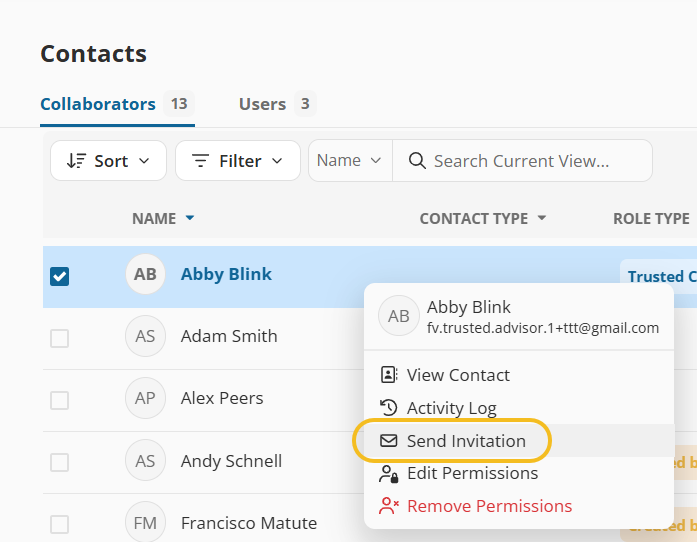
The Send Invitation action is also available from the contact list row actions menu. Right-click to see the new option
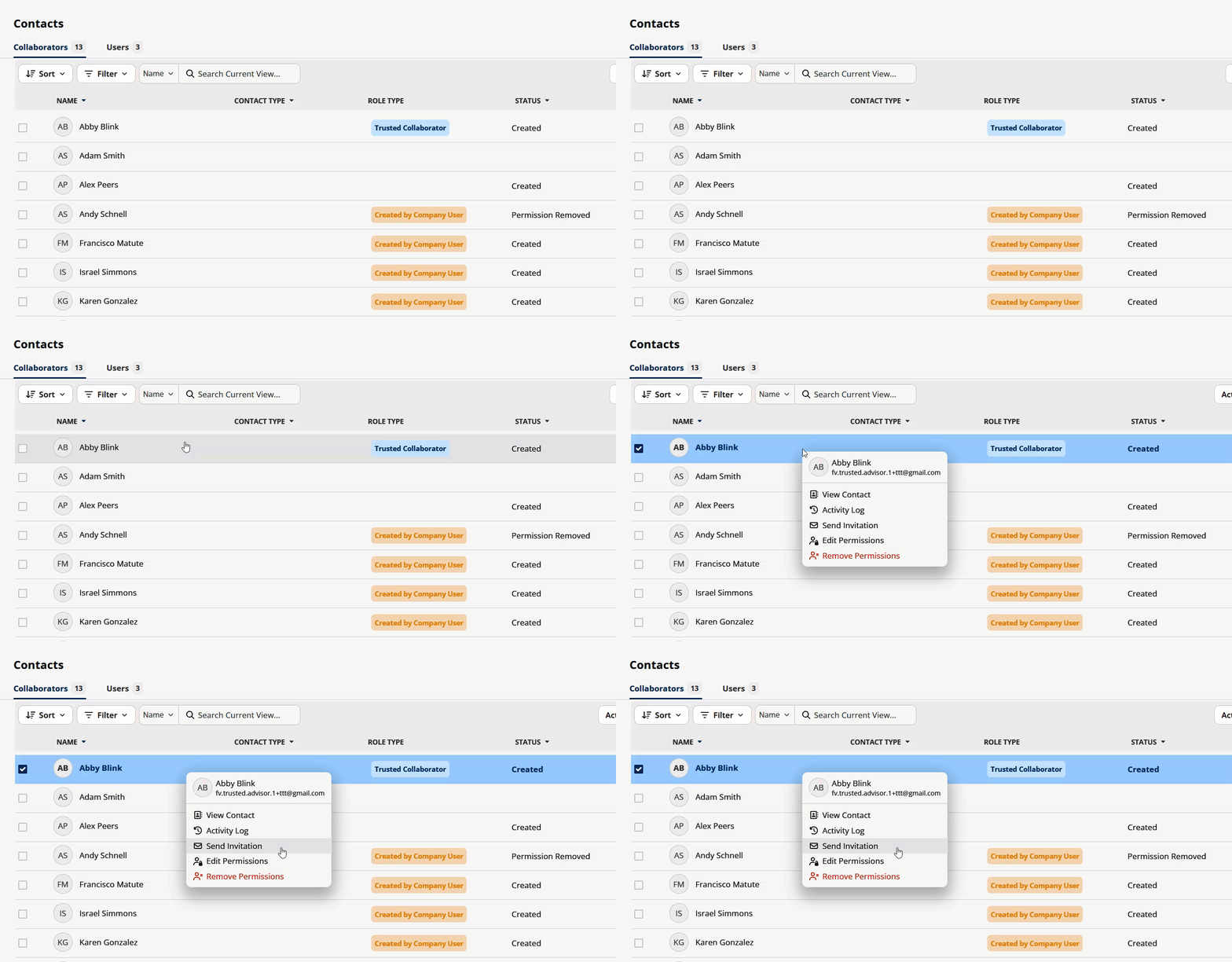
2️⃣ Collaborator Details Page
A new Send Invitation button appears in the collaborator details header between the Edit button and the Deactivated Contact button.
Visibility Rules
The Send Invitation button appears when:
Status = Created AND permissions are configured AND invitation was skipped
Status = Invited (allows resending invitation email)
Status = Revoked Access (allows re-inviting after access is restored)
The button does NOT appear when:
Status = Active